
Download 3D Matrix Screensaver the End – 3D Matrix Screensaver, Matrix corridor, immersive screensaver, customizable screensaver, Matrix-themed visuals, original soundtrack, interactive screensaver, Matrix universe, reality and errors, doors to reality
Overview
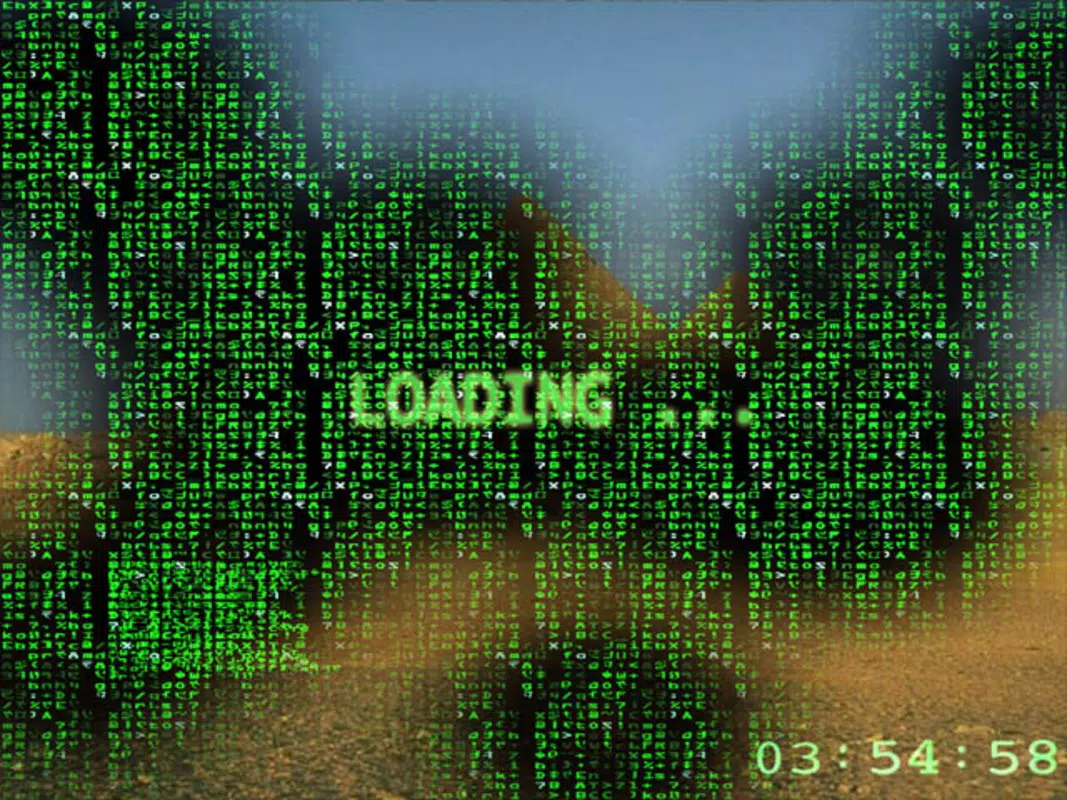
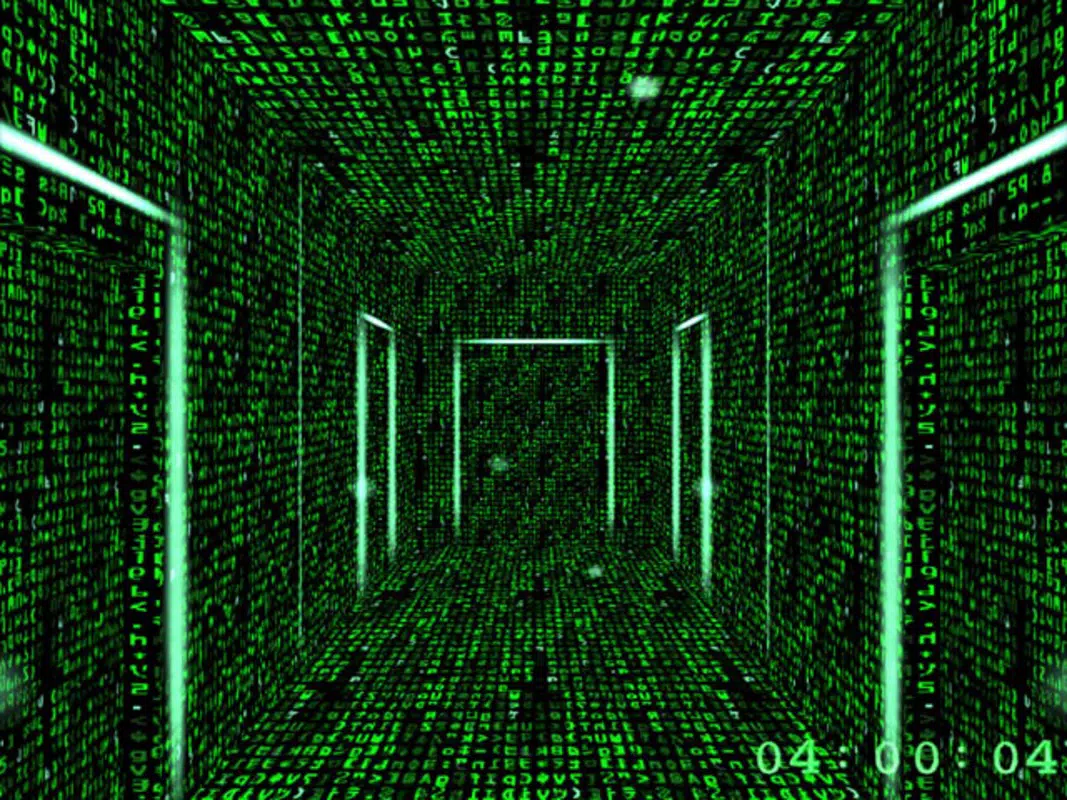
The 3D Matrix Screensaver the End offers a nostalgic and visually rich experience rooted in the iconic Matrix film universe. Designed as a digital homage to the franchise, particularly the cinematic aesthetic of Matrix Reloaded, this screensaver immerses users in a simulated Matrix corridor where doors open to reveal alternate realities. Its core purpose is to deliver an engaging, atmospheric screen experience that goes beyond simple animation, blending visual storytelling with interactive elements.
Target users include fans of the Matrix series, retro tech enthusiasts, and individuals seeking a unique digital backdrop for their desktop environment. The app functions as a utility tool for personalization, transforming idle screen time into a cinematic moment. Although the developer did not provide additional background, the app’s release date in 2004 places it within the early wave of fan-driven digital content inspired by blockbuster franchises.
Real-world use cases include enhancing home office setups, gaming rigs, or digital art displays where atmosphere and theme are prioritized. In the broader software ecosystem, it stands as a niche but enduring example of how fan-made content can maintain relevance through its immersive design and thematic consistency.
Key Features & Functionality
- Immersive Matrix Environment: The screensaver recreates the famous Matrix corridor with multiple doors that dynamically open to reveal alternate 3D realms, maintaining the franchise’s signature blend of digital chaos and structured design.
- Reality and Errors Displayed: Real-time visual glitches and code streams mimic the Matrix’s digital fabric, creating a layered experience where the boundary between reality and simulation blurs.
- Fully Customizable Settings: Users can adjust display duration, visual intensity, door frequency, and other parameters to tailor the experience to their preferred level of immersion.
- Original Soundtrack Included: An exclusive audio composition enhances the visual narrative, featuring ambient tones and sound effects that align with the Matrix’s dystopian atmosphere.
- Interactive Experience: Unlike passive animations, the screensaver responds to user input—such as mouse movement or keyboard interaction—inviting engagement akin to navigating the Matrix world.
For example, a user might set the screensaver to activate after 30 seconds of inactivity, then adjust the door frequency to create a slow, meditative flow. Alternatively, a fan might maximize visual intensity for a dramatic, cinematic effect during a movie night. The combination of customizable visuals and responsive audio ensures that each session feels unique, reinforcing the app’s value as a thematic utility tool.
Interface, UX & Performance
The interface of 3D Matrix Screensaver the End is minimal and purpose-driven, focusing on visual output rather than user interaction during runtime. The design adheres to a dark, high-contrast aesthetic typical of the Matrix universe, with green-hued code streams and sharp 3D geometry. Navigation is handled through a lightweight configuration panel accessible via the system’s display settings, allowing users to tweak visual and audio parameters without complexity.
The UI layout is intuitive, with clearly labeled sliders and checkboxes for duration, effect intensity, and sound settings. Although the developer did not list formal performance metrics, the app’s file size of 2.5 MB suggests efficient resource usage, making it suitable for older or low-spec systems. Responsiveness is consistent during activation, with minimal lag between user input and visual feedback.
Stability appears reliable based on its long-standing presence since 2004, though no recent updates have been documented. The screensaver maintains smooth frame rates across different display resolutions, ensuring a fluid experience on both standard and high-density monitors. Overall, the UX prioritizes immersion over complexity, delivering a seamless experience that aligns with its thematic goals.
Platform Compatibility & Technical Requirements
The 3D Matrix Screensaver the End is designed exclusively for the Windows platform. Specific operating system versions were not listed by the developer, though its release date in 2004 indicates compatibility with Windows XP and later versions, including modern iterations like Windows 10 and 11. The file size is 2.5 MB, indicating a lightweight installation that requires minimal disk space.
No additional software dependencies were mentioned, suggesting it can be installed and run independently. The developer did not specify minimum hardware requirements or processor compatibility, so users should rely on standard Windows compatibility guidelines. For users seeking to install this screensaver on newer systems, the lack of recent updates may require compatibility mode or administrator privileges.
While the app remains functional on current systems, the absence of official support for newer OS versions means users should proceed with caution. The developer did not disclose whether the app supports multiple monitors or high-DPI displays.
Pros and Cons
Pros
- Immersive visual design inspired by the Matrix film universe.
- Includes original music and sound effects for enhanced atmosphere.
- Fully customizable settings for personalization.
- Lightweight file size (2.5 MB) ensures easy installation.
- Interactive elements add depth beyond passive animation.
Cons
- No recent updates or official support since 2004.
- Compatibility with modern Windows versions is not officially confirmed.
- Limited documentation or user guides provided.
- Not available on mobile or non-Windows platforms.
- May require compatibility mode on newer systems.
FAQ
Is 3D Matrix Screensaver the End free to download?
Yes, the app is available at no cost. The developer has not charged for its distribution, making it accessible to fans and users seeking a nostalgic experience.
Can I install this screensaver on Windows 11?
While the app was released in 2004, many users have successfully installed it on Windows 11 using compatibility mode. However, official support is not guaranteed.
Does the screensaver require internet access?
No, the screensaver operates offline. All visual and audio elements are embedded within the app, eliminating the need for an internet connection during use.
Is the app safe to install?
As a legacy application, it is recommended to scan the file with antivirus software before installation. The developer is not widely known, so caution is advised when downloading from third-party sources.
Can I customize the duration before the screensaver activates?
Yes, the app includes settings to adjust the idle time before activation, allowing users to set the delay according to their preferences.
Final Thoughts
3D Matrix Screensaver the End remains a compelling artifact of early digital fan culture, offering a deeply thematic and immersive experience for Matrix enthusiasts. Its blend of cinematic visuals, original audio, and interactive mechanics sets it apart from generic screen savers. While the lack of updates and modern compatibility support presents challenges, its lightweight nature and nostalgic appeal make it a worthwhile download for fans of the franchise or anyone interested in unique desktop utilities.
The app excels in creating atmosphere, transforming idle screen time into a moment of digital storytelling. For those seeking a free, customizable, and visually striking screensaver with a strong identity, this legacy tool delivers significant value. Download 3D Matrix Screensaver the End now.


